New ways to add Reminders in Inbox by Gmail
June 17, 2015
Posted by Dave Orr, Google Research Product Manager
Quick links
07/11/2016 update - this feature is no longer supported. We apologize for the confusion and continue to look for ways to make Inbox for Gmail more useful.
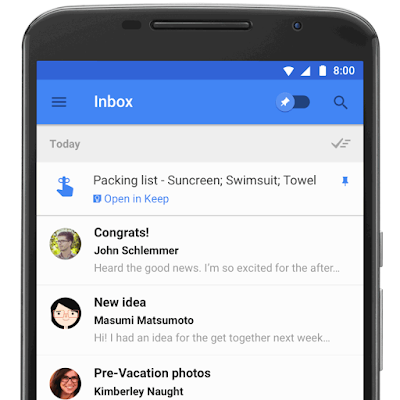
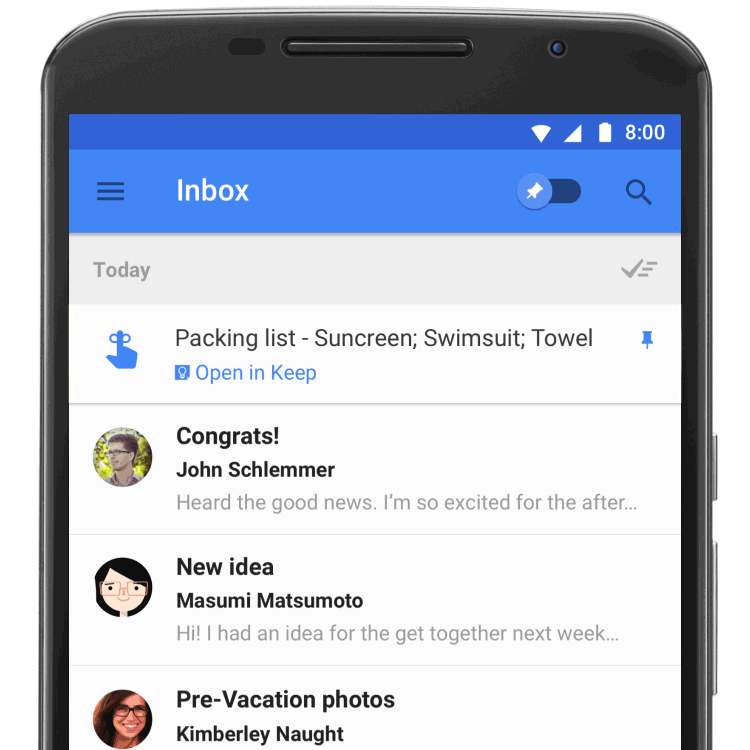
Last week, Inbox by Gmail opened up and improved many of your favorite features, including two new ways to add Reminders.
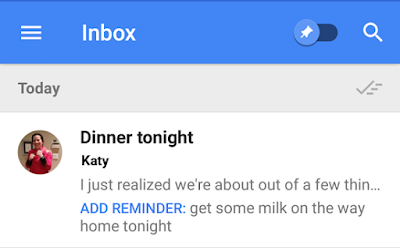
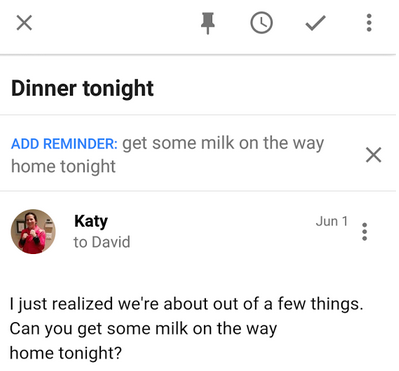
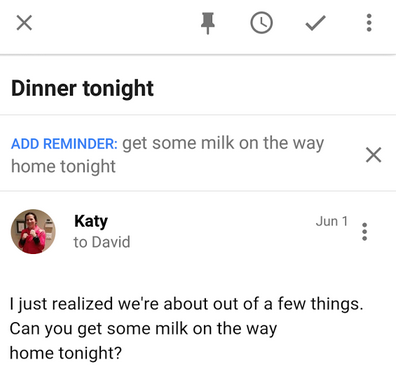
First up, when someone emails you a to-do, Inbox can now suggest adding a Reminder so you don’t forget. Here's how it looks if your spouse emails you and asks you to buy milk on the way home:


Quick links
Other posts of interest
-

October 14, 2026
Analyzing technical documents with Deep Review- General Science ·
- Machine Intelligence ·
- Natural Language Processing
-

October 5, 2026
Open and Emergent Problems in Agentic Privacy and Security: A Contextual Angle- Generative AI ·
- Natural Language Processing ·
- Security, Privacy and Abuse Prevention
-
September 10, 2026
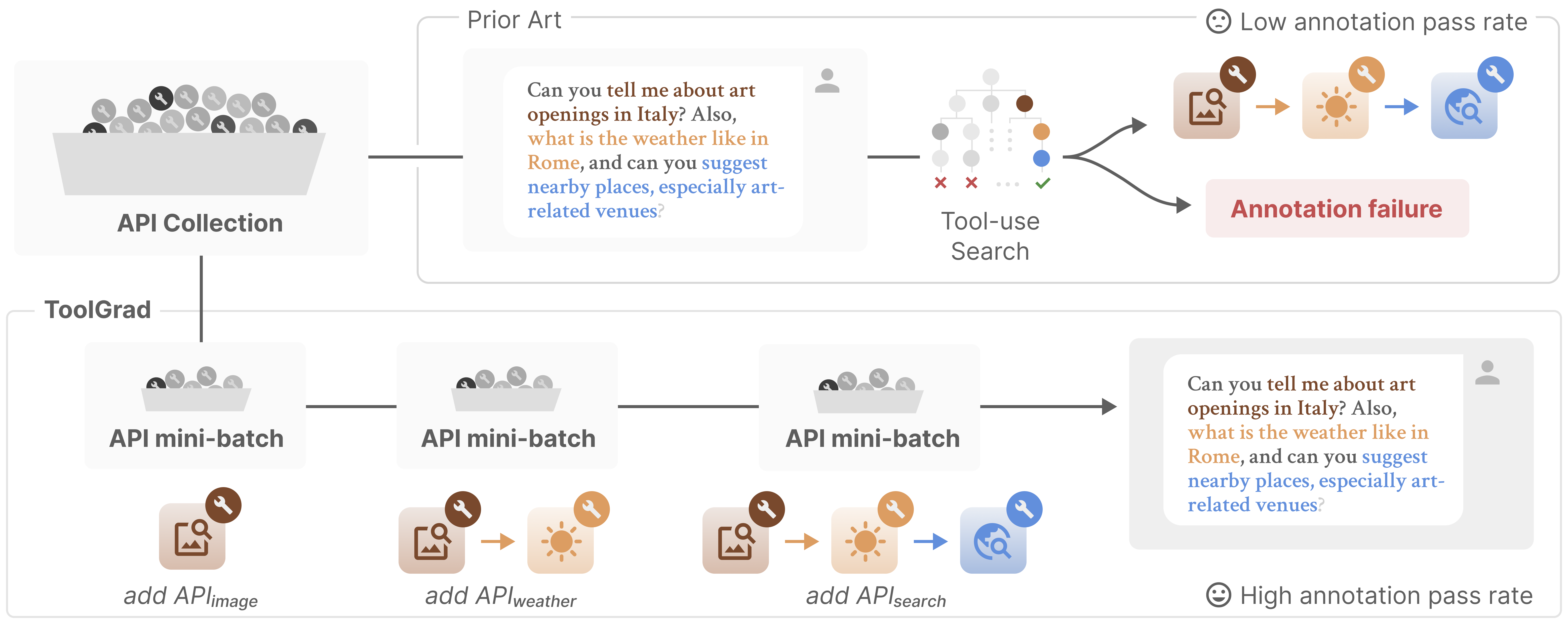
ToolGrad: Efficient tool-use dataset generation with textual "gradients"- Machine Intelligence ·
- Natural Language Processing
×
❮
❯